Live Note Grading: How the App Knows If You Played the Right Key
MIDI input, pitch detection, and the timing window that decides whether a note counts as "perfect".
Super Simple Piano grades every note you play in real time. Here's what's happening under the hood, and why some "Perfect!" scores feel earned and others feel mysterious.
The two grading paths
MIDI input is the easiest: each key press sends a precise note number and timestamp. The grader compares the note + timing to the score and labels it.
Microphone input runs pitch detection, the browser samples audio every few milliseconds and estimates the fundamental frequency. The grader rounds that to a MIDI note and feeds it through the same logic. It's accurate for melody work, fuzzier for dense chords.
What counts as a "Perfect!"
Each note in the song has a target time and a target pitch. We compare your input against three windows:
Wrong pitch at any timing counts as a miss.
What you see on screen
Performance mode vs Waiting mode
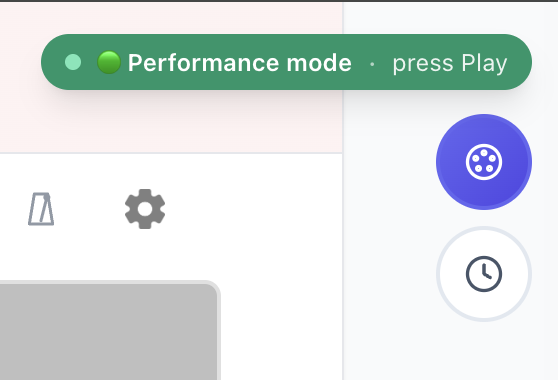
Performance mode runs the song end-to-end and grades as you go, best when you can stumble through. Waiting mode (the WAIT clock icon) pauses at every note until you play the right key, best for first-pass learning. See Performance vs Waiting mode for which to use today.
What the coaching report does
When the song ends, you get a modal with your overall grade plus a button that loops the measures you struggled with at 80% speed. No need to figure out what to drill, the data tells you.
---
Real-time feedback with no judgement, just data. Try it now or read the full setup guide.
Ready to start playing?
Put it into practice with thousands of color-coded, slow-down-able songs, free in your browser.