How to Practice with Your Real Piano
Connect via MIDI, Bluetooth, or microphone, Super Simple Piano grades every note you play and shows you exactly what to drill next.
Pair your real piano with Super Simple Piano and the player becomes a live coach: every note graded, weak spots flagged, smart practice plan at the end.
What works where
The three modes
The badge in the top-right tells you which mode you're in:
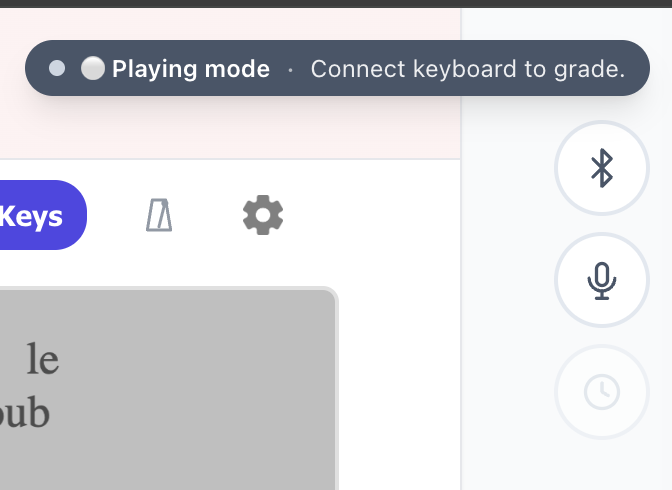
Switch modes any time, a toast confirms each change.
Connect your piano
USB MIDI, plug into your Mac or PC, click Allow on the browser prompt:
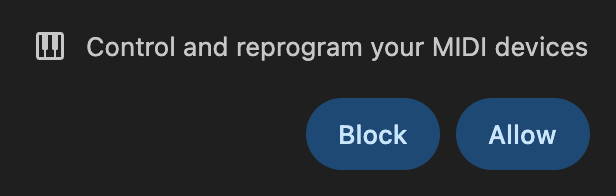
An indigo MIDI pill appears in the floating panel. Any future device is auto-detected.
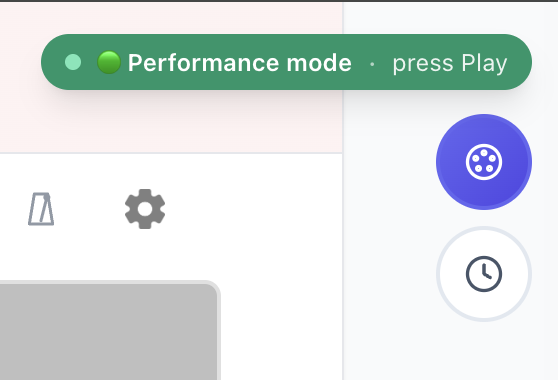
Bluetooth MIDI, tap the Bluetooth button. The browser opens its native chooser; pick your piano.
Microphone, tap the 🎤 Mic button. The song's audio is muted so we only hear your real piano, and we grade you on what you play.
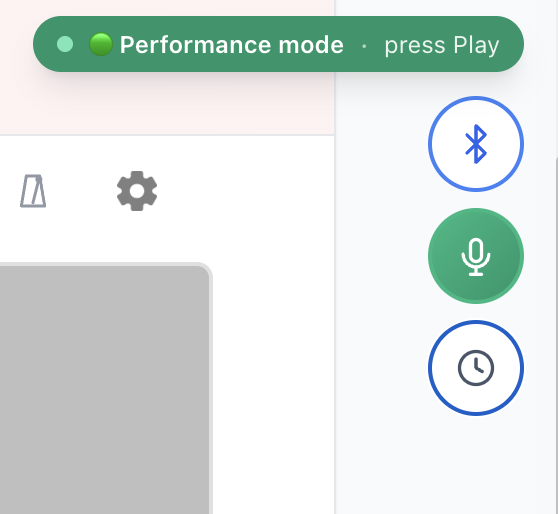
Performance mode
WAIT off, song plays end-to-end. Hits flash green, missed notes turn gray. Live accuracy + streak in the badge.
When the song ends you get a coaching modal with your grade and a button that loops the measures you struggled with at 80% speed.
Waiting mode
Tap the WAIT clock icon. The song pauses at every note and waits for the correct key. The next note pulses on the staff; the matching key glows on the on-screen piano.
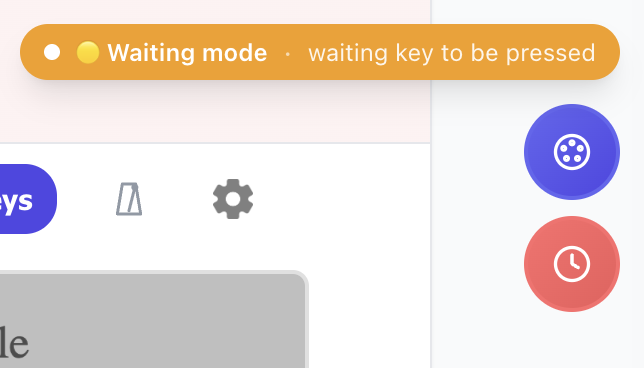
Stuck? Hit Skip in the bottom-left, or tap any key twice quickly. Walk through a piece with WAIT once or twice, then flip it off for real practice.
---
Plug in (or pair, or speak), pick a mode, and play. Try it on any song.
Ready to start playing?
Put it into practice with thousands of color-coded, slow-down-able songs, free in your browser.