Performance Mode vs Waiting Mode: Which to Use Today
Two grading modes, one piece, when each one helps you learn faster.
Two grading modes, one piece. The trick is knowing which to use today, and switching between them at the right moment.
Performance mode, when you can stumble through
WAIT off, song plays end-to-end. Every note is graded in real time and you get a coaching report at the end. Best when:
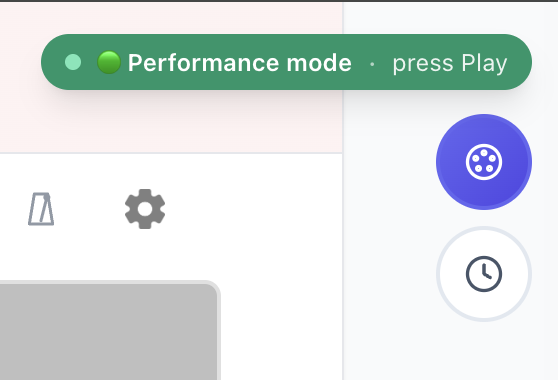
Waiting mode, when the piece is brand new
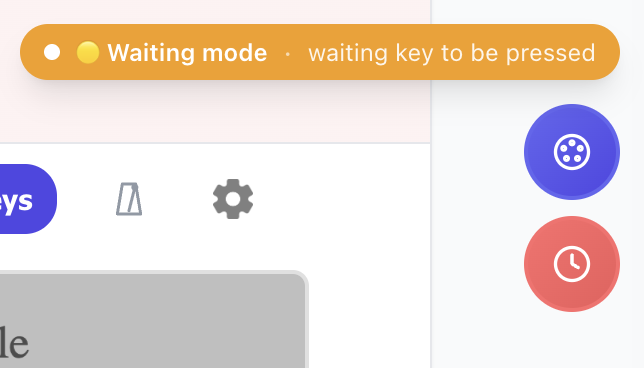
Tap the WAIT clock icon. The song pauses at every note until you play the correct key. The next note pulses on the staff and the matching key glows on the on-screen piano. Best when:
The "learn → perform" loop
Most pieces benefit from both. The pattern:
Switching mid-song
You can flip between modes at any time. The badge updates and a toast confirms the switch ("Performance mode → Waiting mode") so you never lose your place. The playhead stays put.
---
Pick a mode, play, switch when it stops helping. Try it on any song or see the full setup guide.
Ready to start playing?
Put it into practice with thousands of color-coded, slow-down-able songs, free in your browser.