How to Connect a Roland Piano for Online Practice
FP-10, FP-30X, Go:Piano, both USB MIDI and Bluetooth pairing covered.
Roland's USB-equipped digital pianos work directly with Super Simple Piano in any Chromium browser. Here's the connection path for the most common models.
USB MIDI (FP-10, FP-30X, FP-60X, RP-102, Go:Piano)
Roland's modern digital piano lineup is class-compliant USB MIDI. Plug:
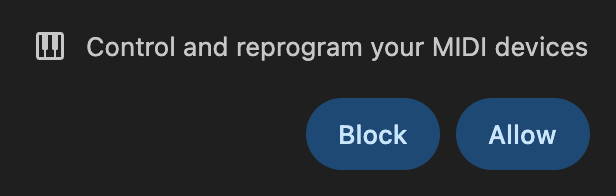
Open Super Simple Piano in Chrome, Edge, or Opera. Click Allow on the MIDI permission prompt:
The indigo MIDI pill appears in the floating panel, every note you play is now graded.
Bluetooth MIDI (FP-30X, FP-60X, FP-90X, GO:PIANO 88)
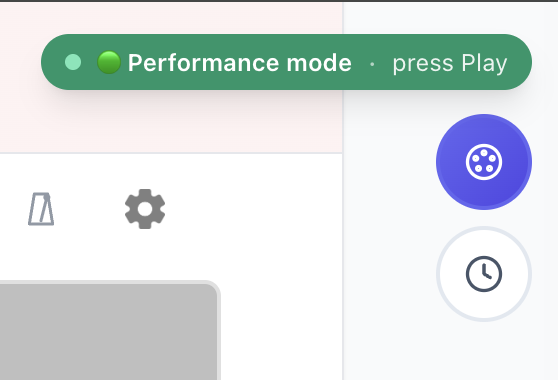
Many recent Rolands include BLE MIDI. Tap the Bluetooth button:
Put the piano in BT pairing mode (hold the Bluetooth button until the LED blinks), pick it from the chooser, and you're paired.
Roland Piano Partner vs Web MIDI
Roland's official Piano Partner app is great for tone tweaking, but it doesn't replace a practice tool. Web MIDI in your browser gives you live grading on top of the same MIDI input, no swapping apps mid-session.
No USB or BT on your Roland?
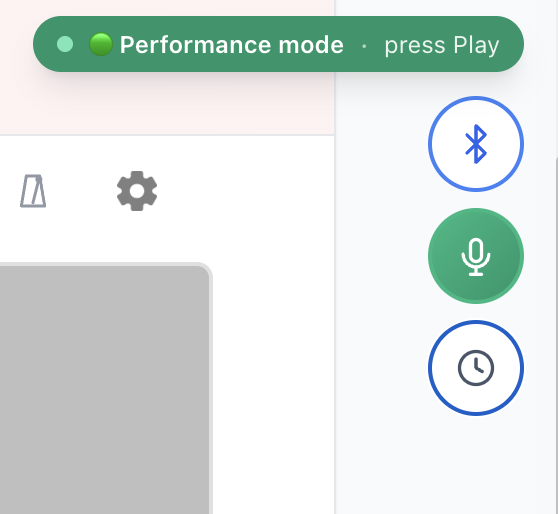
Older Rolands (E-series arrangers, very early FP units) might not have USB MIDI. Use the 🎤 Mic button instead:
---
Plug, allow, play. Browse songs or see the full real-piano setup.
Ready to start playing?
Put it into practice with thousands of color-coded, slow-down-able songs, free in your browser.