How to Connect a KORG Keyboard for Browser Practice
B2, D1, KROSS over USB plus the BLE-MIDI module for older units.
KORG's digital pianos and stage keyboards work with Super Simple Piano via USB MIDI in any Chromium browser. Some models also support Bluetooth MIDI via add-on modules.
USB MIDI (B2, B2N, D1, KROSS 2, KRONOS, PA-series)
KORG keyboards with a USB-to-host port (USB-B) work as class-compliant MIDI devices, no driver install needed.
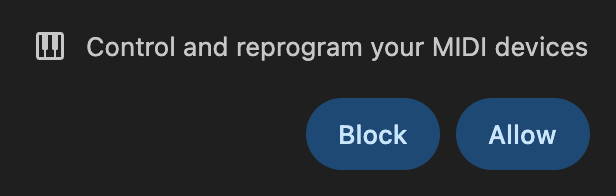
The MIDI pill appears, badge flips to 🟢 Performance mode, every note graded in real time.
Bluetooth MIDI (microKEY Air, nanoKEY Studio, KROSS 2 + KORG BT module)
KORG's microKEY Air and nanoKEY Studio have built-in BLE MIDI. For older units, KORG sells a small BLE-MIDI module that plugs into the MIDI Out jack.
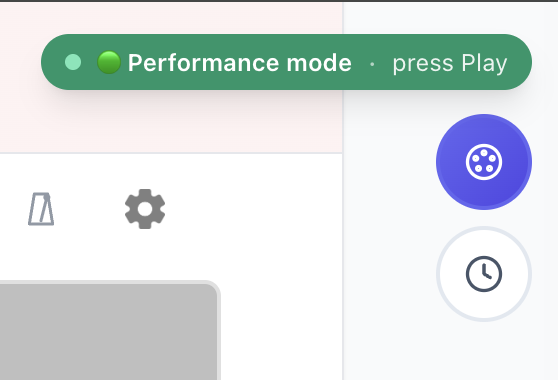
Tap the Bluetooth button:
Common KORG troubleshooting
No MIDI on your KORG?
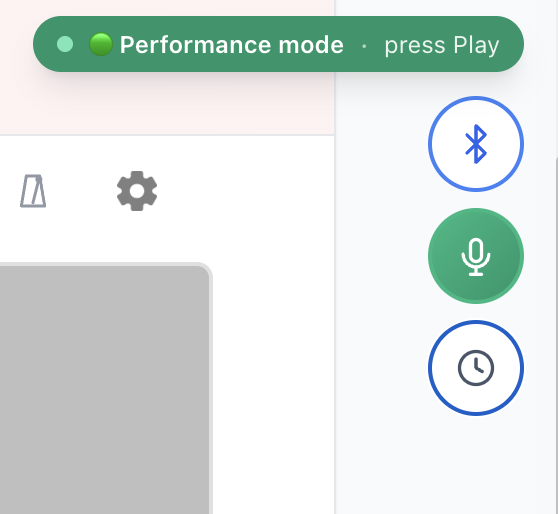
Use mic mode for older keyboards or stage pianos without USB:
---
Plug, allow, play. See the full setup guide or try a song now.
Ready to start playing?
Put it into practice with thousands of color-coded, slow-down-able songs, free in your browser.