How to Connect a Casio Keyboard for Online Practice
CDP, PX, CT-S series, USB or Bluetooth, both routes covered, no driver install needed.
Casio's USB-equipped keyboards work seamlessly with Super Simple Piano in Chrome, Edge, or Opera. No driver install, no bridge app. Here's the setup for the most common Casio lines.
USB MIDI (CDP, PX, CT-S series)
Almost every Casio with a USB-to-host port (CDP-S160, PX-S1100, CT-S400, CT-S1, etc.) is class-compliant. That means it works the moment you plug it in.
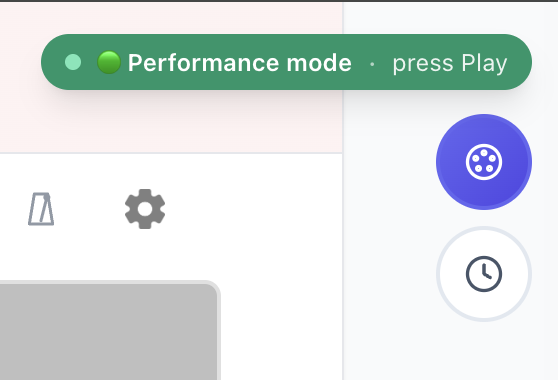
The MIDI pill appears in the floating panel:
Bluetooth MIDI (PX-S3100, PX-S5000, CT-S1, CT-S400 + WU-BT10)
Newer Privia and CT-S models have built-in BLE MIDI. The CT-S400 supports it via the WU-BT10 wireless adapter sold separately by Casio.
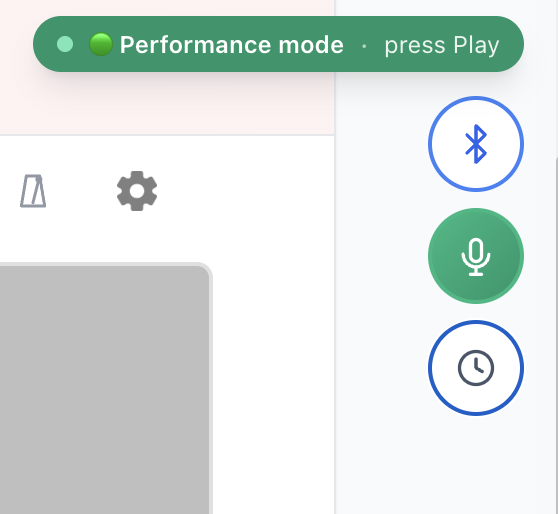
Tap the Bluetooth button in the floating panel and pick your piano:
Older Casio without USB or BT
Older keyboards (LK-S series, CTK arrangers) don't have a digital MIDI port. Use mic mode, tap the 🎤 Mic button and we'll listen through your microphone.
Troubleshooting
---
Plug in, click Allow, and play. Browse songs or read the full real-piano setup.
Ready to start playing?
Put it into practice with thousands of color-coded, slow-down-able songs, free in your browser.