Practising Piano on a Chromebook with Web MIDI
Web MIDI works on Chromebooks. Plug in, click Allow, no drivers, no install.
Chromebooks run Chrome, and Chrome supports Web MIDI fully. That makes a Chromebook one of the cheapest ways to get a real piano practice setup with live grading. No driver install, no bridge app.
What you need
Connect via USB MIDI
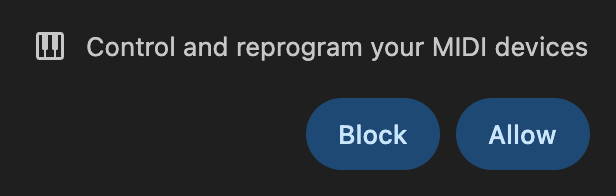
The MIDI pill appears in the floating panel and the badge flips to 🟢 Performance mode.
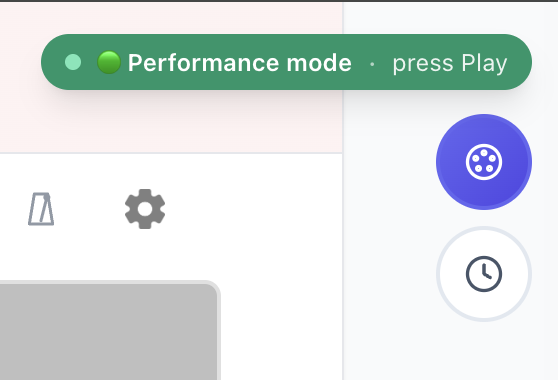
That's it. ChromeOS doesn't need any driver, it routes MIDI directly to the browser.
Connect via Bluetooth MIDI
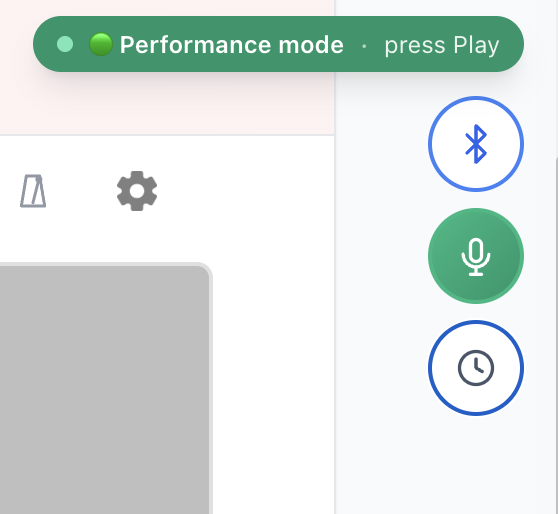
If your piano has BLE MIDI, tap the Bluetooth button and pick it from the chooser:
You don't need to add the piano under ChromeOS Bluetooth settings, Web Bluetooth pairs directly inside the tab.
Mic mode if no MIDI
Tap the 🎤 Mic button. Chromebook's built-in mic is enough for monophonic practice, close-mic with an external USB mic for chord work.
Why Chromebook works so well
ChromeOS is essentially Chrome, every Web platform feature ships at the same cadence as desktop Chrome. No legacy drivers, no system-level Bluetooth dance, no app install required.
---
Cheap laptop, real piano, live grading. Browse songs or read the full real-piano setup.
Ready to start playing?
Put it into practice with thousands of color-coded, slow-down-able songs, free in your browser.