Get this sheet
PDF sheets + MIDI
Yours to keep
PDF sheets and the MIDI file. Yours to keep.
Instant download · no account needed
Or every song with Premium, from $4.99/moUp next

Play Sheet Music Photo on your own piano
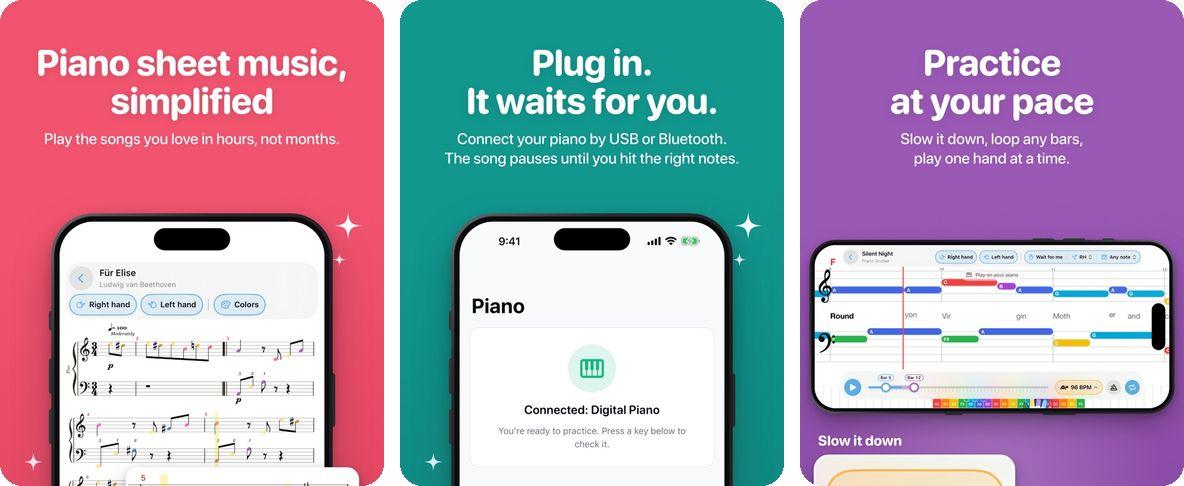
Plug in your piano by USB or Bluetooth. The song waits for you until you hit the right notes. Slow it down, loop any bars, play one hand at a time.
- 1Get the app. Free on the App Store.
- 2Sign in. Use the same email you unlock songs with.
- 3Connect your keyboard. By USB or Bluetooth, and play along.
Sheet Music Photo
About “Sheet Music Photo”
This medium level song is in the key of C at 96 BPM. Uploaded by ruelle.
1 person has learned this song
Lyrics
Introductio
O bu naang ain a aiamiaga
uiideiaan
Sa ka to to hanan biddiiiiim
ia
a
o ka~ i sa ng A ma a ng A na A ng ma
ma
sa fg le
sia
Ma
ging a dam
da min ni je sus Bu ongu
song su mu nod sa d ing Dios(3
Bu
ong pu song sun din
ang a ting Diyas!
O bu
o naang ae a iamiaga
uideiaa
Sa ka to to hanan ibdioniiaiai
pa
a
——o™
Ma
ging a dam da min ni je sus Bu ongpu ongu song su mu nod sa a ing Dios(3ocoda)
Questions about this song (7)
- Can I learn "Sheet Music Photo" with falling notes like Synthesia?
- Yes — Falling Notes mode shows colored note shapes dropping onto a virtual keyboard, the same visual style as Synthesia or piano-tile games. Each note's column matches the piano key you press. Works for "Sheet Music Photo" with hands-separate practice in C at 96 BPM.
- What key is "Sheet Music Photo" played in?
- Sheet Music Photo is arranged in the key of C on Super Simple Piano. You can transpose to any other key live in the player.
- What's the tempo (BPM) of "Sheet Music Photo"?
- The arrangement plays at 96 BPM. Use the speed control (10-200%) to practice slower or play faster.
- Is "Sheet Music Photo" easy to play on piano?
- This is a medium-difficulty arrangement. Most players can learn it within a few practice sessions using the speed control.
- Can I download sheet music for "Sheet Music Photo"?
- Yes — registered users can download PDF sheet music, plus MIDI and MusicXML files for use in other notation software.
- Can I practice left and right hand separately for "Sheet Music Photo"?
- Yes! Our Top Down mode lets you isolate the left hand (bass clef), right hand (treble clef), or play both together. This makes it easy to master "Sheet Music Photo" one hand at a time before combining them.
- What is falling notes style for "Sheet Music Photo"?
- Falling notes (also known as Synthesia or piano waterfall) shows color-coded rectangles falling from the top of the screen onto a virtual keyboard. Each note's position matches the piano key you need to press. "Sheet Music Photo" is in the key of C at 96 BPM.
Other versions of Sheet Music Photo
Other arrangements of Sheet Music Photo
Pick a learning view.